
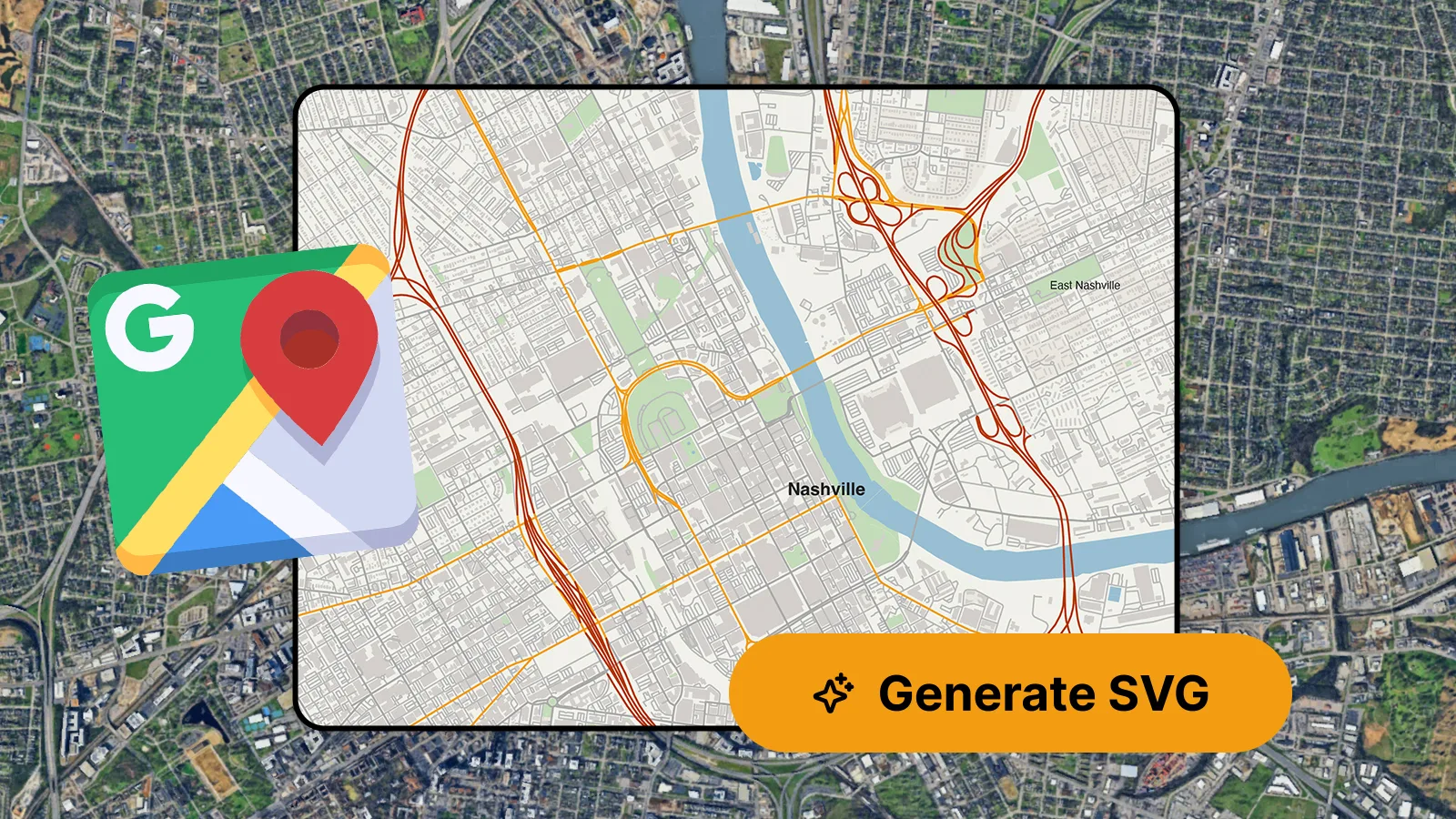
Google Maps holds an enormous amount of map detail, so it's a natural first thought when a design project needs a vector map. You may be wondering: can that data be pulled out as an editable vector file?
Unfortunately, the answer is no – Google Maps can't be converted into an editable vector map, for various reasons.
But there’s a straightforward alternative: MapVG, the online vector map generator, allows you to vectorise maps in seconds and export them as layered SVG files – ready to open in Illustrator, Inkscape, or any vector editor.
Why Google Maps can't be converted
Two things stand in the way:
Format – Google Maps makes it impossible to access its underlying map data. What you see in the browser renders live as raster tiles, meaning Google’s maps can only be captured as flat images.
Licensing – Google's terms prohibit scraping, tracing, or reproducing its map content, including for print and commercial work. Even a hand-traced map based on a Google Maps screenshot is a derivative work.
So the question isn't really “how to convert Google Maps” – but instead, it's “where to source quality vector maps”.
The solution: MapVG
MapVG, the browser-based SVG map maker, allows you to create your own custom vector maps, without the need for any GIS or cartography knowledge. Simply select any location on Earth and export it as a clean, layered SVG vector file – ready for post-processing in Illustrator, Inkscape, Figma or Affinity Designer.
Unlike Google Maps, MapVG isn't a web mapping or navigation service, but it was developed specifically for converting open map data into editable vector maps.
MapVG is free to try with areas up to 1 km² (about 0.4 mi²), allowing you to export a small “test patch” to check the SVG output quality for yourself.
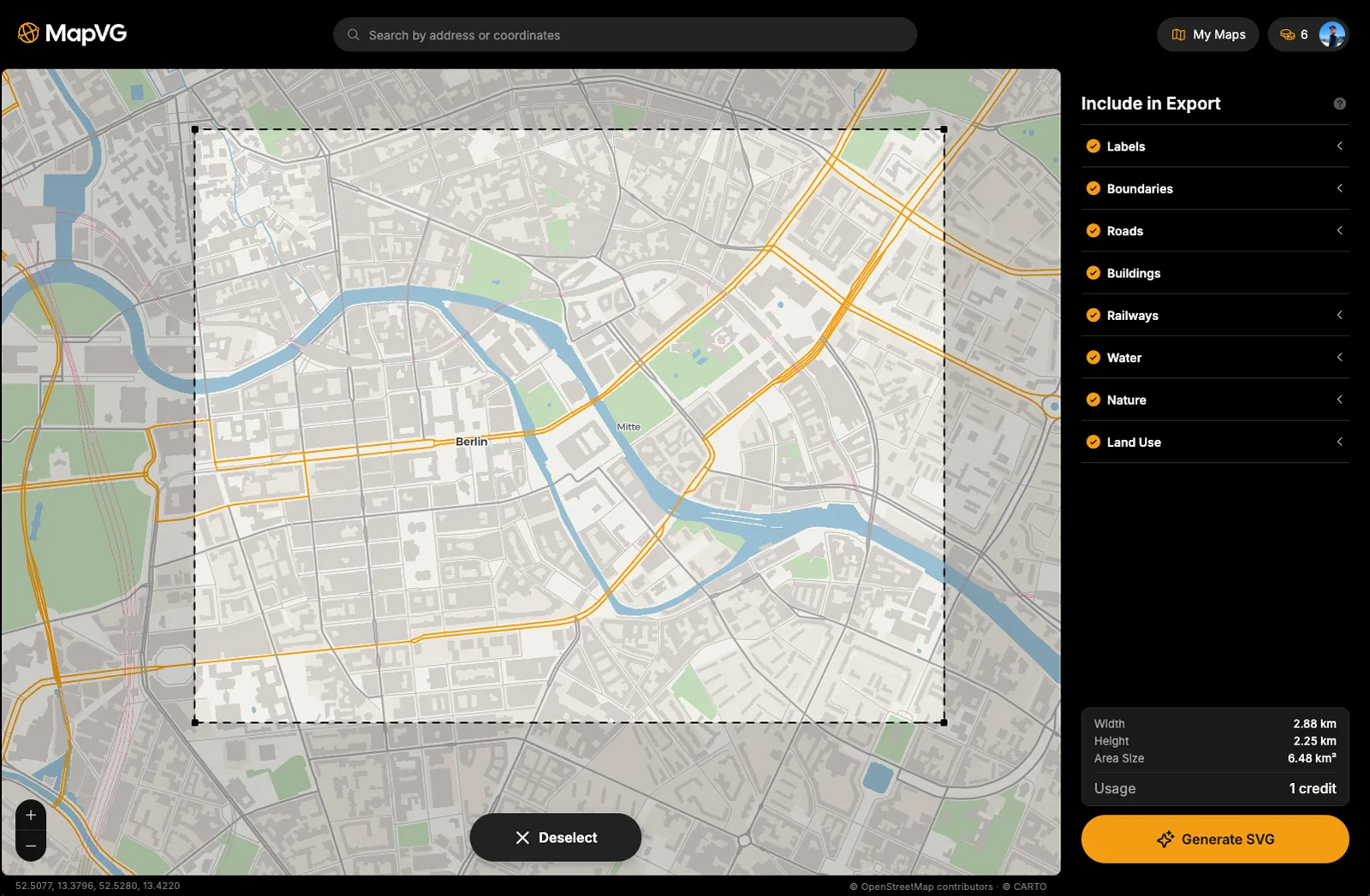
Why use MapVG for vector maps?
100% editable vector maps: Your exported maps behave like any other Illustrator artwork, with clean layers and editable elements. Adjust stroke weights on roads, recolour elements, and change label fonts to match your project.
Easy and fast: The map-to-SVG generation is straightforward, requires no additional software, and takes less than 2 minutes.
Accurate and up-to-date: MapVG is based on OpenStreetMap data. Similar to Google Maps, OSM is updated daily and holds the same, accurate, real-world map data.
Open to use in commercial work: OpenStreetMap data is available under the ODbL licence, which allows use in personal and commercial projects. Check our licensing guide for more information.
No contract, no subscription: Exports use a simple, affordable credit system: 1 credit equals 1 map, regardless of size, with no subscription required.
Free to test: Maps up to 1 km² are free to export – ideal to test a trial output of your area in Illustrator before exporting the full map.
Try MapVG for free
Test maps are free to generate: Simply open the MapVG editor and export a free map of any area up to 1 km² to test the output quality in your vector editing software. If you’re happy with the test map, our pay-as-you-go model offers single credits for one-off projects, as well as discounted credit packs if you regularly need vector maps.